If you need help signing in to your Ancestry account, try signing in with your email address instead of your username or resetting your password.
Changing your username
Go to account settings
- Select your Username.
- Enter a new username and click Update username. If you receive an error message, try another username.
Usernames must:
- not be in use
- be between 5 and 24 characters
- only contain alphanumeric characters (A-Z, 0-9), hyphens (-), underscores (_), and periods (.)
- not have other special characters or symbols (for example: %, #, @)
- If prompted, verify your account by selecting Send code via email or Enter current password.
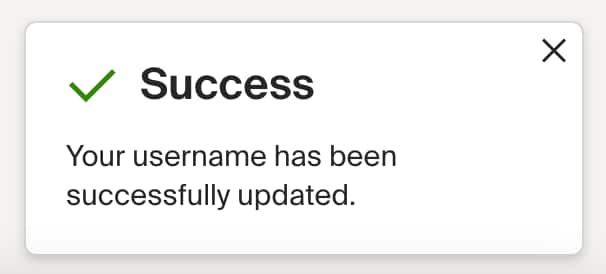
- Success! Your username has been updated.
Related issues